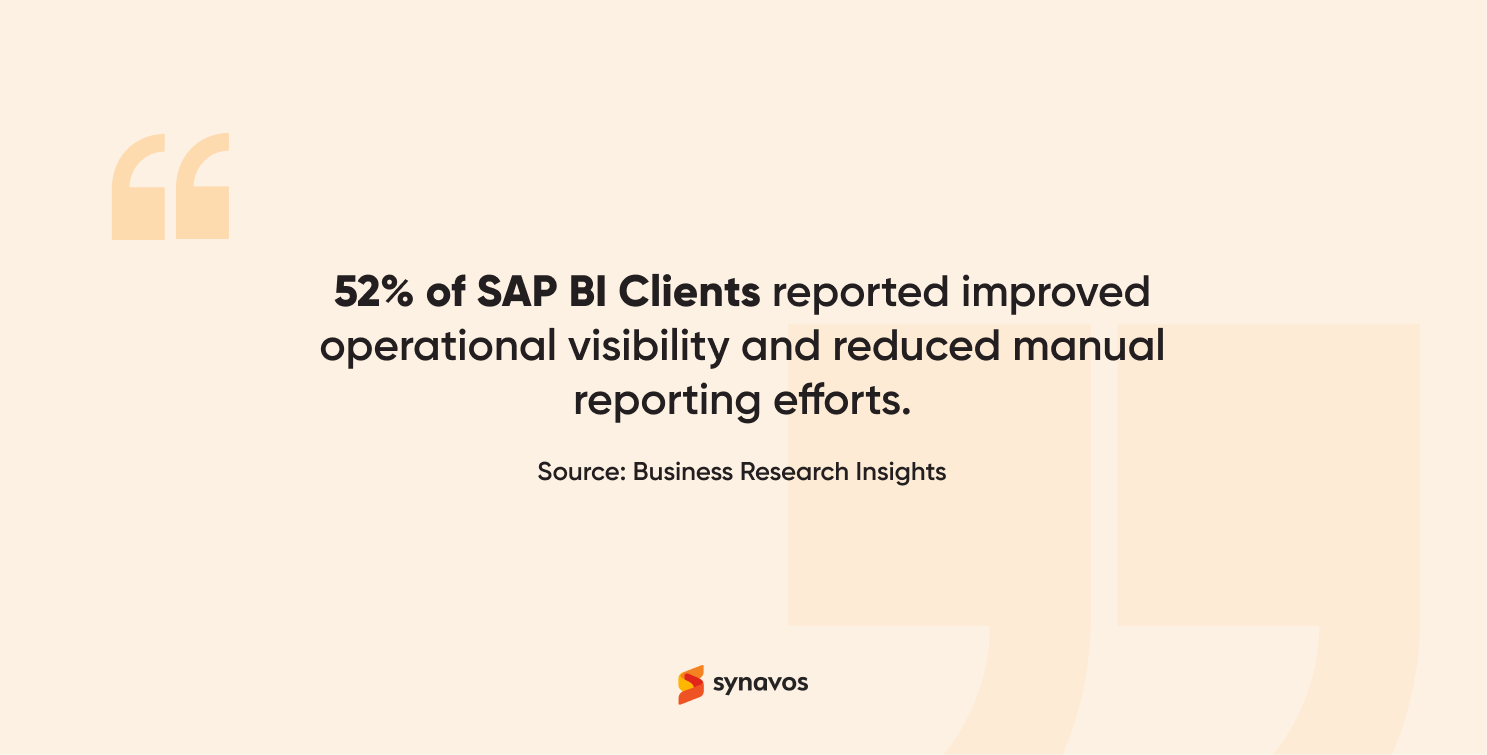
Small and medium-sized enterprises (SMEs) are growing fast, but so is competition. In today’s world, relying on instinct or experience alone is no longer enough. Success now depends on data-driven decisions, not gut feelings. Every sale, invoice, and customer interaction generates valuable data that can guide smarter business choices. Yet, without the right tools, this data remains scattered and underutilized. This is exactly where SAP Business One’s Business Intelligence (BI) module makes a difference. In fact, as per reports by Business Research Insights, 52% of SAP BI clients reported improved operational visibility and reduced manual reporting efforts, showcasing the tangible impact of Business Intelligence on efficiency and decision-making.
Read on to discover how it helps SMEs collect, organize, and visualize data from across their ERP system, turning raw numbers into clear, actionable insights.
What is SAP Business One BI?
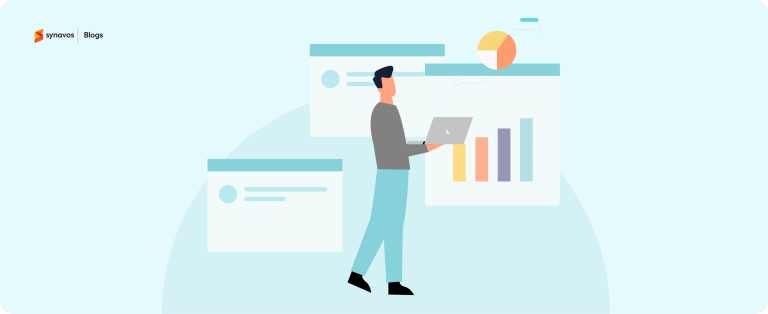
The Business Intelligence (BI) module in SAP Business One is like the brain of your ERP system. It gathers information from all departments, including finance, sales, inventory, CRM, purchasing, and production, and converts it into real-time BI analytics and visual dashboards.
In simple terms, it turns complex data into meaningful stories about your business performance. Managers and owners no longer need to wait for monthly summaries or rely on manual spreadsheets. Instead, SAP Business One BI presents information instantly, so you can make better decisions on the spot.
It integrates seamlessly with other SAP modules, ensuring accuracy and consistency across all reports. With Business Intelligence, you can identify patterns, spot inefficiencies, and uncover opportunities for growth, all from a single, unified system.
Core Business Intelligence Features for Smarter Competition
SAP Business One BI comes packed with advanced yet easy-to-use tools that help SMEs harness the power of their data. Let’s explore its core features and how each one contributes to smarter competition using Business Intelligence.
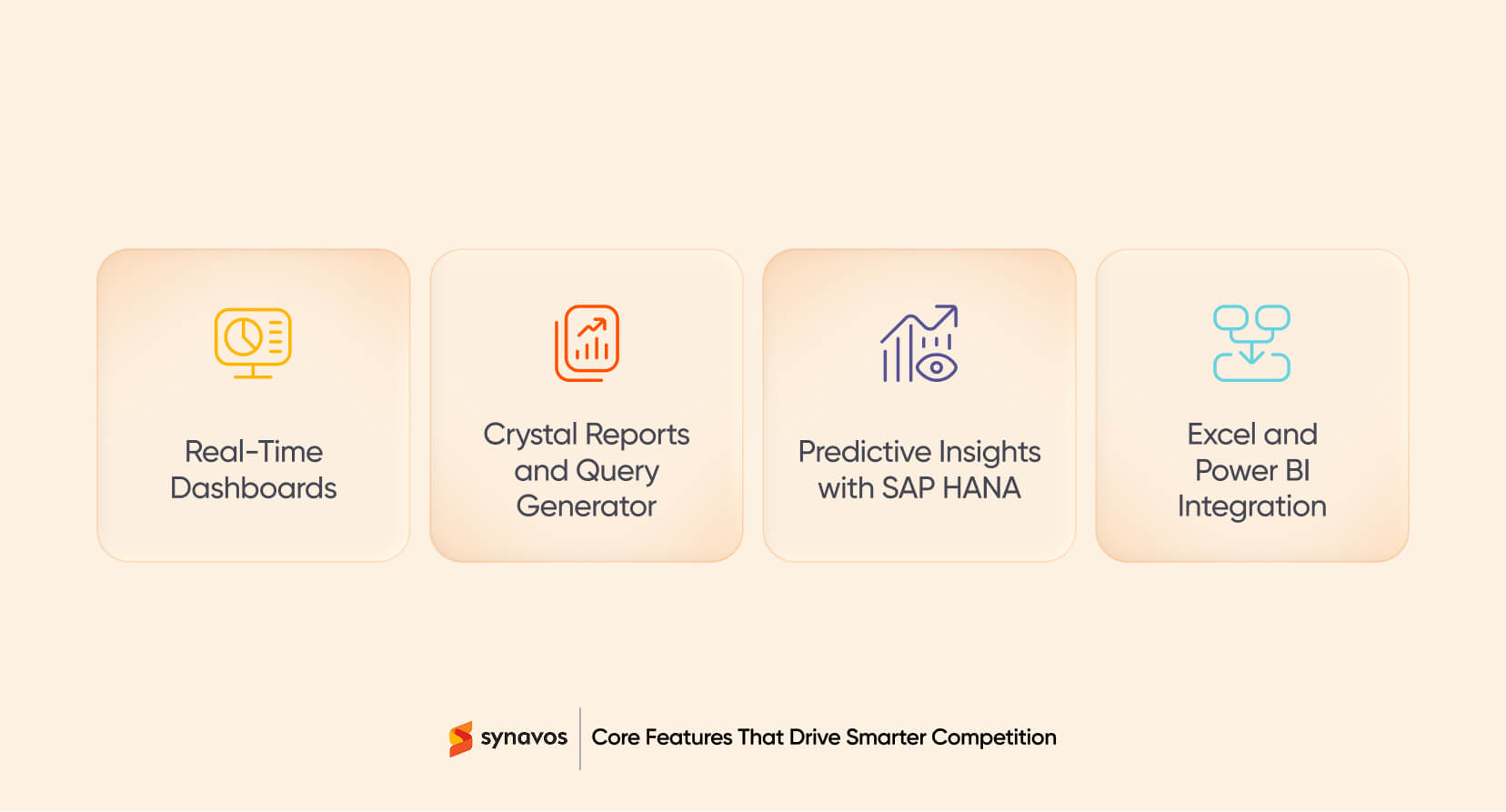
Real-Time Dashboards
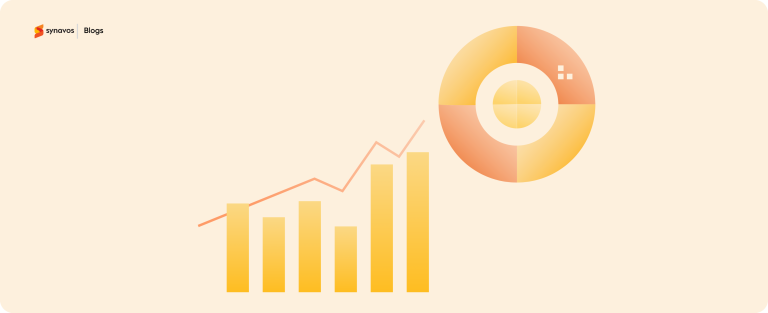
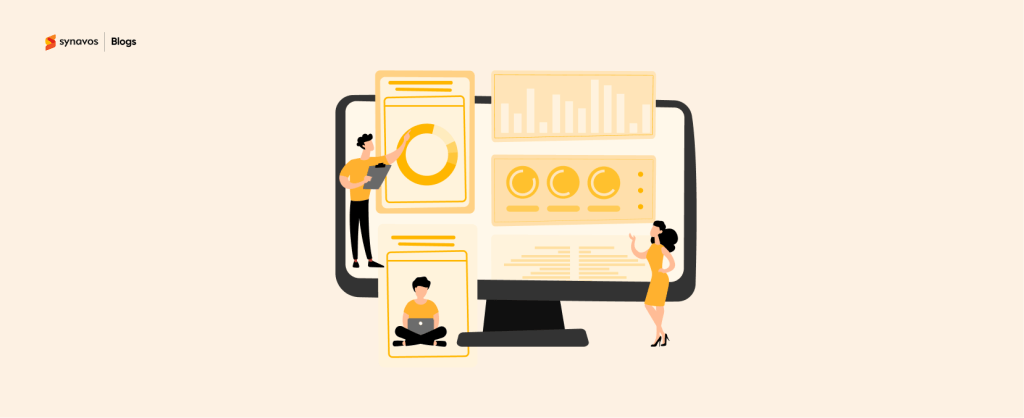
BI dashboards display live data from every corner of your business. You can monitor daily sales, financial performance, stock levels, or even employee productivity in real time. These dashboards are interactive and customizable, allowing each manager to track the KPIs that matter most to their department.
Crystal Reports and Query Generator
Manual reporting can slow down operations. The BI module’s Crystal Reports and Query Generator eliminate that issue by enabling you to create custom reports without needing technical expertise. Want to know which customer brings in the most revenue? Or which products are slow-moving? You can generate detailed, professional reports with a few clicks.
Predictive Insights with SAP HANA
If your business runs SAP Business One on HANA, you gain access to predictive analytics. This feature analyzes historical data to identify future trends. For instance, it can predict sales demand, detect potential supply chain delays, or forecast cash flow shortages.
Excel and Power BI Integration
SAP Business One BI integrates smoothly with tools your teams already know, Excel and Power BI. This flexibility allows employees to dig deeper into data or share reports externally while maintaining data integrity.
How Business Intelligence Empowers SMEs
Business Intelligence isn’t just about pretty dashboards but it’s about transformation. Here’s how SAP Business One BI empowers SMEs to grow smarter and faster:
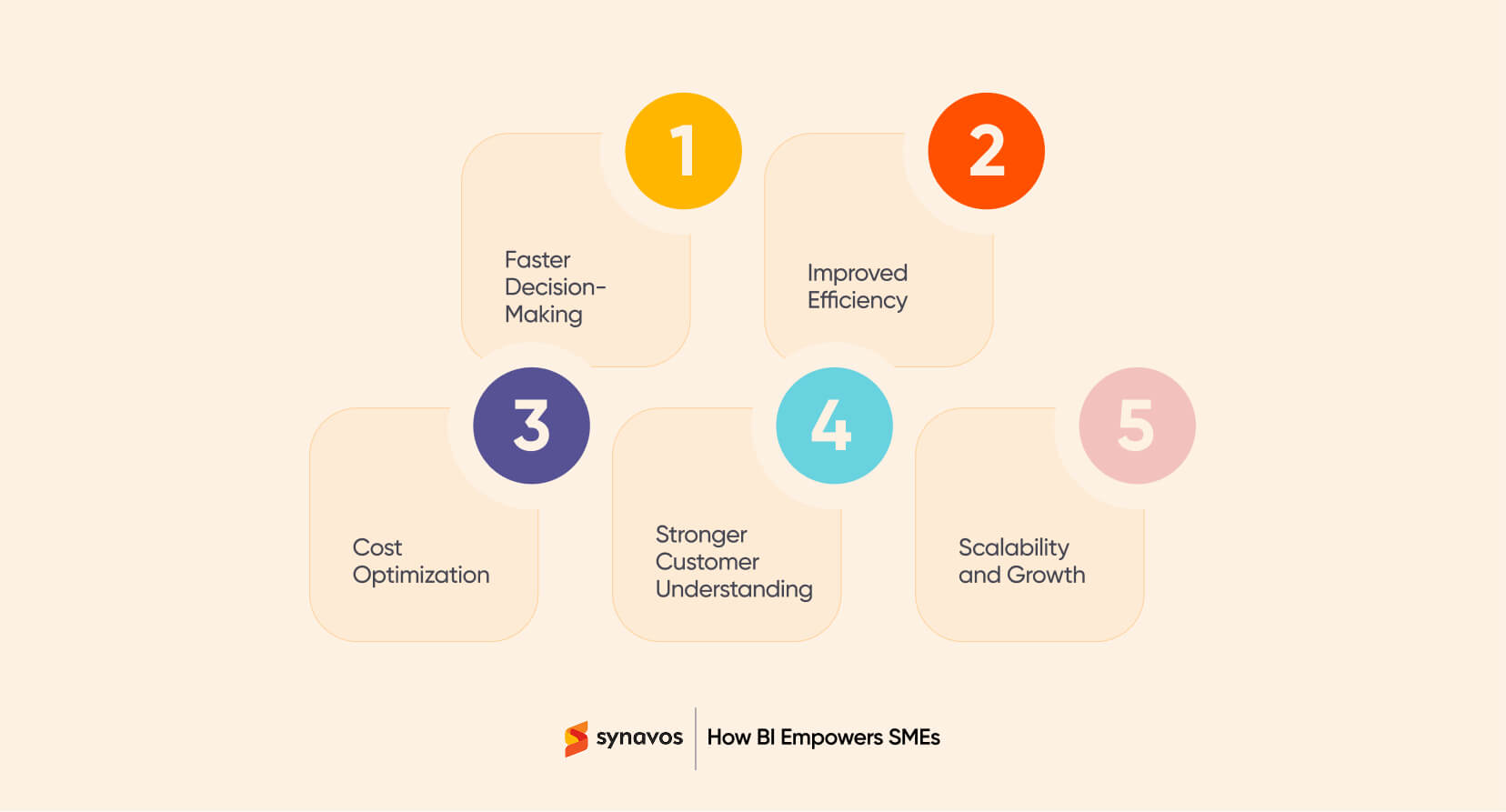
1. Faster Decision-Making
With real-time visibility, you can make decisions based on facts, not assumptions. Whether it’s adjusting pricing, restocking a best-seller, or approving expenses, data-backed choices drive profitability and growth.
2. Improved Efficiency
Automated reporting through SAP Business One’s Business Intelligence module eliminates time wasted on manual data entry. Teams can focus on strategic work instead of routine tasks, boosting overall productivity.
3. Cost Optimization
By identifying waste, redundant processes, or underperforming areas, SMEs can reduce operational costs and reallocate resources efficiently. Business Intelligence reveals cost-cutting opportunities that would otherwise go unnoticed.
4. Stronger Customer Understanding
Business Intelligence tools reveal insights into customer behavior, purchase frequency, preferences, and satisfaction levels. This allows businesses to personalize offers and strengthen relationships, ultimately driving higher customer retention.
5. Scalability and Growth
As your business grows, the Business Intelligence module of SAP Business One scales effortlessly. Whether you expand to new locations or increase product lines, SAP Business One continues to provide a 360-degree view of your operations. Business Intelligence grows with you.
How to Successfully Implement Business Intelligence in Your SME
Incorporating Business Intelligence (BI) into the daily operations of any business can seem like a daunting task. However, with the right approach, SAP Business One BI can provide unparalleled advantages in terms of operational visibility, decision-making, and overall efficiency.
1. Define Your Business Goals
Before diving into Business Intelligence, it’s crucial to define the key business objectives you want to achieve. Whether it’s improving sales tracking, optimizing inventory management, or enhancing customer insights, having clear goals ensures your BI strategy is aligned with your SME’s vision.
2. Start with Core Modules
Implementing all features of SAP Business One’s BI Module at once might overwhelm your team. Instead, start with core SAP Business One modules such as financial reporting, CRM analytics, and inventory management. This phased approach ensures a smoother transition and helps your team get comfortable with the tools before expanding to other areas.
3. Train Your Team
For Business Intelligence to deliver its full potential, your team must be equipped to use it effectively. Training is key. Ensure your team knows how to access dashboards, generate reports, and interpret the insights provided by the BI tools. The better your team understands the data, the more actionable insights they can generate.
4. Leverage Real-Time Data
SAP Business One BI offers real-time analytics, which gives SMEs the ability to monitor operations at any moment. This access to live data helps businesses adjust to changing market conditions without missing a beat.
5. Iterate and Improve
BI implementation is not a one-time process. As your business evolves, your BI needs will change too. Regularly review and iterate your BI dashboards and reports. Ask for feedback from your teams and make necessary adjustments to ensure you’re always getting the most out of your Business Intelligence system.
6. Use Predictive Analytics to Stay Ahead
With the power of predictive analytics in SAP Business One BI, SMEs can gain foresight into market trends, customer behavior, and supply chain challenges. Make use of these insights to prepare your business for future opportunities or potential risks.
How Synavos Can Help
At Synavos, we understand that every small to medium enterprise has its unique challenges. With years of experience delivering ERP implementation solutions across Pakistan, the UAE, and KSA, our team has helped countless businesses turn raw data into strategic intelligence. From setup to training, we ensure the smoothest implementation of ERP systems, whether it's Odoo, SAP Business One, or Business Central.
Our approach focuses on:
- Customization: Dashboards and KPIs designed for your exact needs using Business Intelligence.
- Integration: Smooth connection between BI and all existing ERP modules.
- Support: Ongoing guidance to help your teams make the most of Business Intelligence.
- Scalability: Solutions that grow as your business expands.
Book your free consultation today and see how Synavos can help you transform your business operations.