Mobile apps are judged not just by what they can do, but by how easy and comfortable they feel to use. When an app feels slow, confusing, or hard to navigate, users tend to leave quickly. In 2026, user expectations continue to rise, making UX and UI an essential part of effective mobile app development.
A good design helps users stay engaged, trust the product, and keep coming back. This guide explains the mobile app UX and UI design process step by step, showing how to build clear, practical, and user friendly app experiences in 2026. Let’s get into it!
Understanding UX and UI
UX, or user experience, is about how people interact with your app. A strong UX makes navigation easy, reduces frustration, and keeps users coming back.
UI, or user interface, is the visual part of your app. It includes colors, fonts, buttons, and icons. UI makes your app attractive and reinforces your brand identity.
Great apps combine both. The design should be intuitive, visually appealing, and aligned with your users’ expectations.
The Step-by-Step Process of Mobile App UX & UI Design in 2026
A well-defined UX and UI process ensures better usability, engagement, and retention. The steps below explain how to design effective mobile app experiences in 2026.
Step 1: Research and Know Your Users
Good design starts with a deep understanding of your users. Apps often fail because they are built without knowing who will use them.
- Identify target audience segments and build detailed user personas. Include age, occupation, tech familiarity, and pain points.
- Observe user behavior on similar apps. Note what frustrates or delights them.
- Gather insights from surveys, interviews, and analytics.
By understanding real needs, you can design an app that solves problems effectively instead of guessing features.
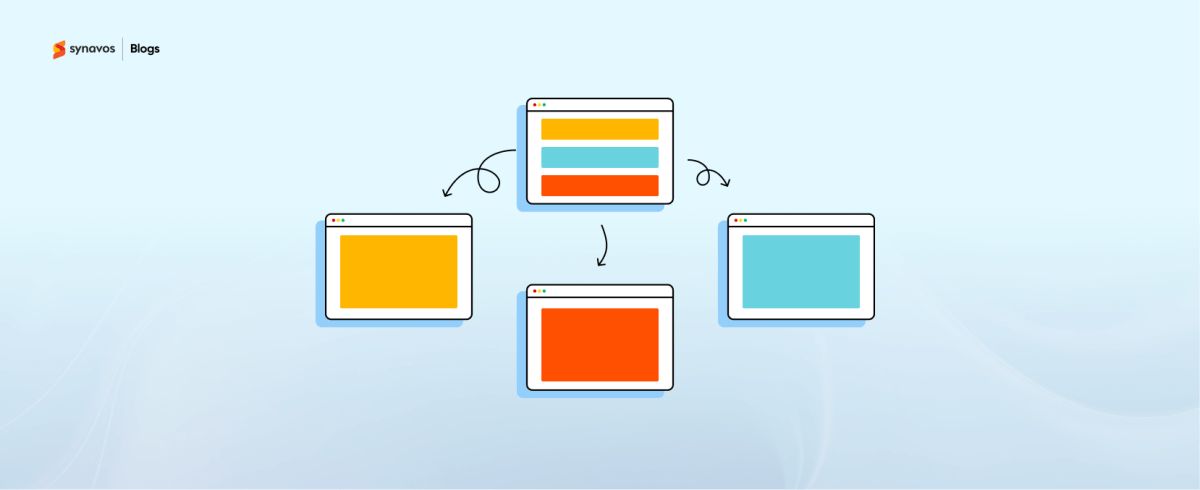
Step 2: Map the User Journey
Every screen in your app should serve a purpose and guide users naturally.
- Break down the tasks users will perform, like signing up, browsing, or completing a purchase.
- Highlight points where users could get confused or drop off.
- Prioritize flows to make the most common actions quick and effortless.
A clear journey reduces friction, keeps users engaged, and improves overall satisfaction.
Step 3: Wireframing and Prototyping
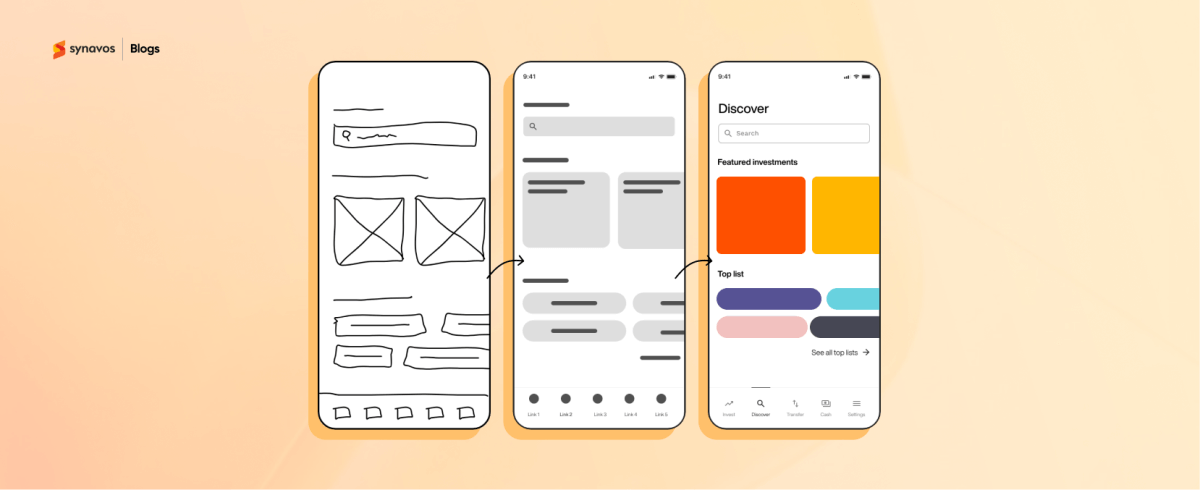
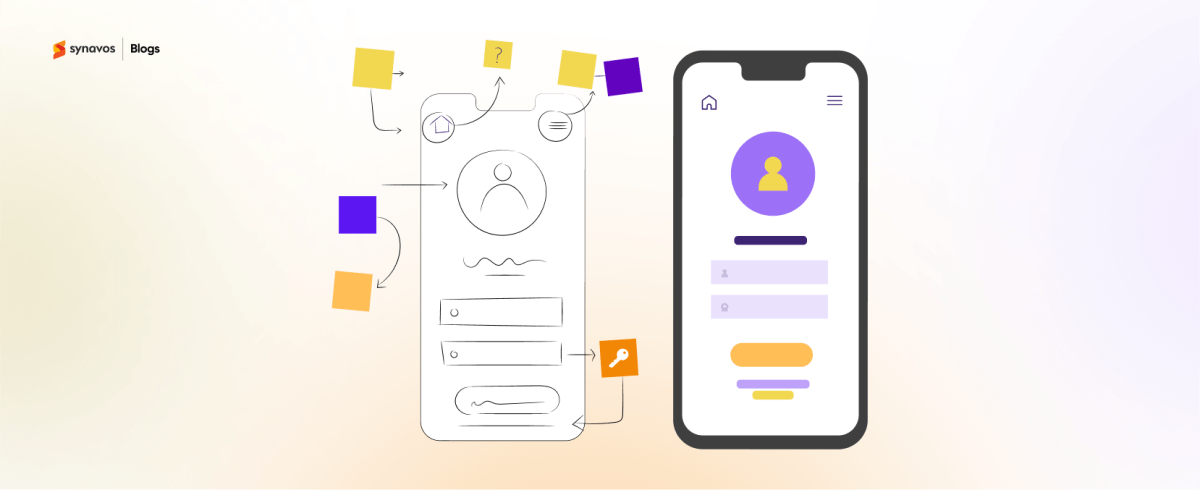
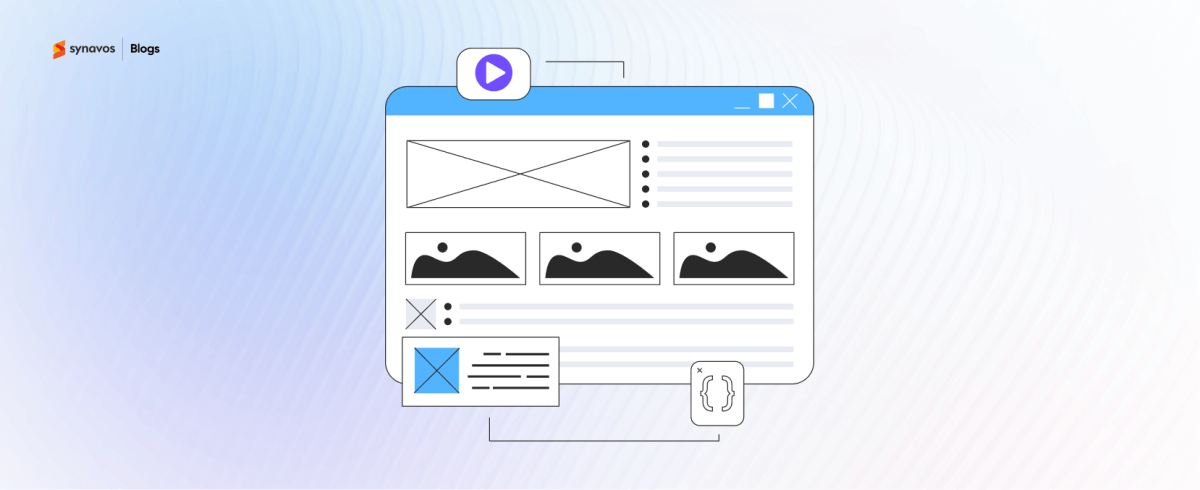
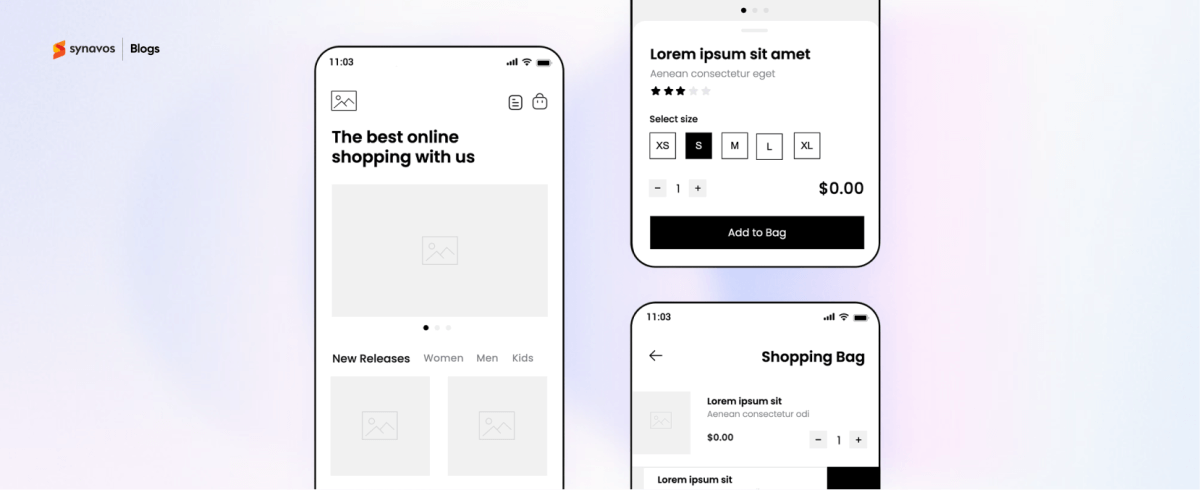
Wireframes act as the blueprint for your app. They help you plan structure before adding visuals or branding.
- Start with low-fidelity wireframes to focus on layout and hierarchy without distractions.
- Move to high-fidelity prototypes to simulate real interactions and test the flow.
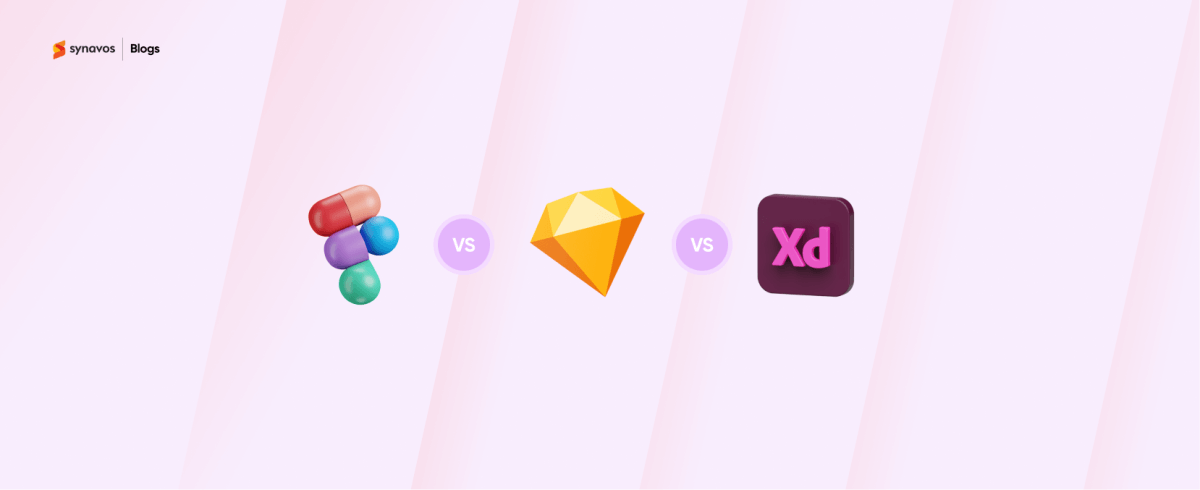
- Use tools like Figma, Sketch, or Adobe XD for easy collaboration and quick adjustments.
Prototyping early helps you spot issues before coding begins, saving time and cost.
Step 4: Craft Visual Design and Branding
Visual design turns your app into a recognizable and engaging experience.
- Ensure colors, fonts, icons, and imagery reflect your brand’s identity.
- Maintain clarity and readability. High contrast, legible text, and appropriately sized buttons are essential.
- Design with accessibility in mind so all users can interact comfortably.
The right visual design reinforces trust, communicates quality, and guides users through your app intuitively.
Step 5: Interaction Design
Interactions determine how users feel when engaging with your app.
- Simplify navigation with clear menus and intuitive gestures.
- Add microinteractions like button feedback, swipe animations, or progress indicators to make the app feel alive.
- Ensure interactions are purposeful, not distracting or confusing.
Thoughtful interactions make the app enjoyable and encourage users to keep coming back.
Step 6: Test, Gather Feedback, and Refine
Even the best design needs real-world validation.
- Conduct usability testing with your target users to find pain points.
- Observe where users hesitate or struggle. Collect direct feedback.
- Iterate the design based on findings to improve clarity, speed, and usability.
Testing ensures your app is practical, intuitive, and meets user expectations before launch.
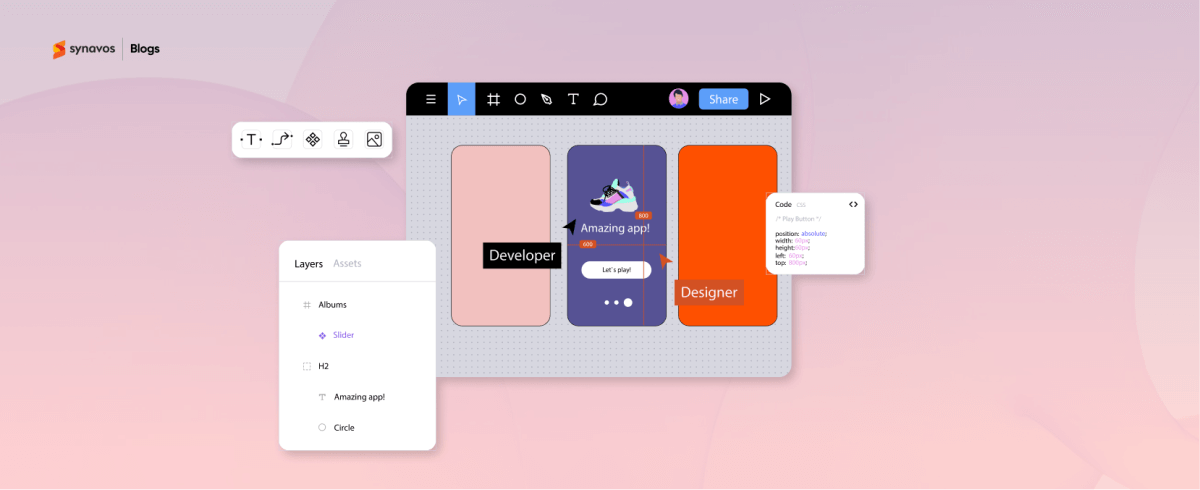
Step 7: Collaborate With Developers
A smooth handoff from design to development is crucial for maintaining quality.
- Provide developers with clear style guides, assets, and specifications.
- Communicate animation behaviors, interactions, and responsive adjustments.
- Use collaboration tools like Zeplin or Figma developer mode for accuracy.
Close collaboration ensures your designs are implemented exactly as intended, avoiding costly missteps.
Step 8: Post-Launch UX and UI Optimization
Launch is just the beginning. Your app needs continuous attention to stay competitive.
- Monitor user analytics to track behavior and identify friction points.
- Collect feedback through reviews, surveys, or in-app prompts.
- Update the design to improve flows, add features, or optimize performance.
Regular updates ensure the app remains functional, engaging, and aligned with evolving user expectations.
Conclusion
Designing a mobile app in 2026 is about more than creating visually appealing screens. It is about understanding users, mapping their journey, and continuously improving the experience. By following aforementioned steps, your app can delight users, improve engagement, and deliver lasting value.
At Synavos, we design and develop mobile apps that not only look great but deliver real value to users and businesses alike. Get in touch with us today and let’s build an app that your users will love and your business can rely on for years to come.