Modern mobile apps are no longer standalone products. They are part of a connected digital ecosystem where users expect real-time updates, seamless functionality, and personalized experiences. Behind these capabilities lies one critical component: API integration.
In 2026, APIs play a central role in how mobile apps communicate with external systems, access data, and deliver advanced features without requiring everything to be built from scratch. From enabling secure payments to powering real-time notifications, APIs help businesses create smarter, faster, and more scalable applications.
This guide explores everything you need to know about API integration for mobile apps, including how it works, why it matters, best practices, common challenges, and future trends shaping the mobile app industry.
What is API Integration in Mobile Apps?
API stands for Application Programming Interface. It acts as a bridge that allows different software systems to communicate with each other.
In mobile apps, API integration enables the app to connect with external services, databases, or platforms to send and receive data. Instead of building every feature internally, developers can use APIs to integrate capabilities like payment processing, maps, authentication, and analytics.
For example, when a user logs into an app using their social account or makes a payment through a gateway, APIs are working behind the scenes to facilitate those interactions securely and efficiently.
Types of APIs Used in Mobile App Development
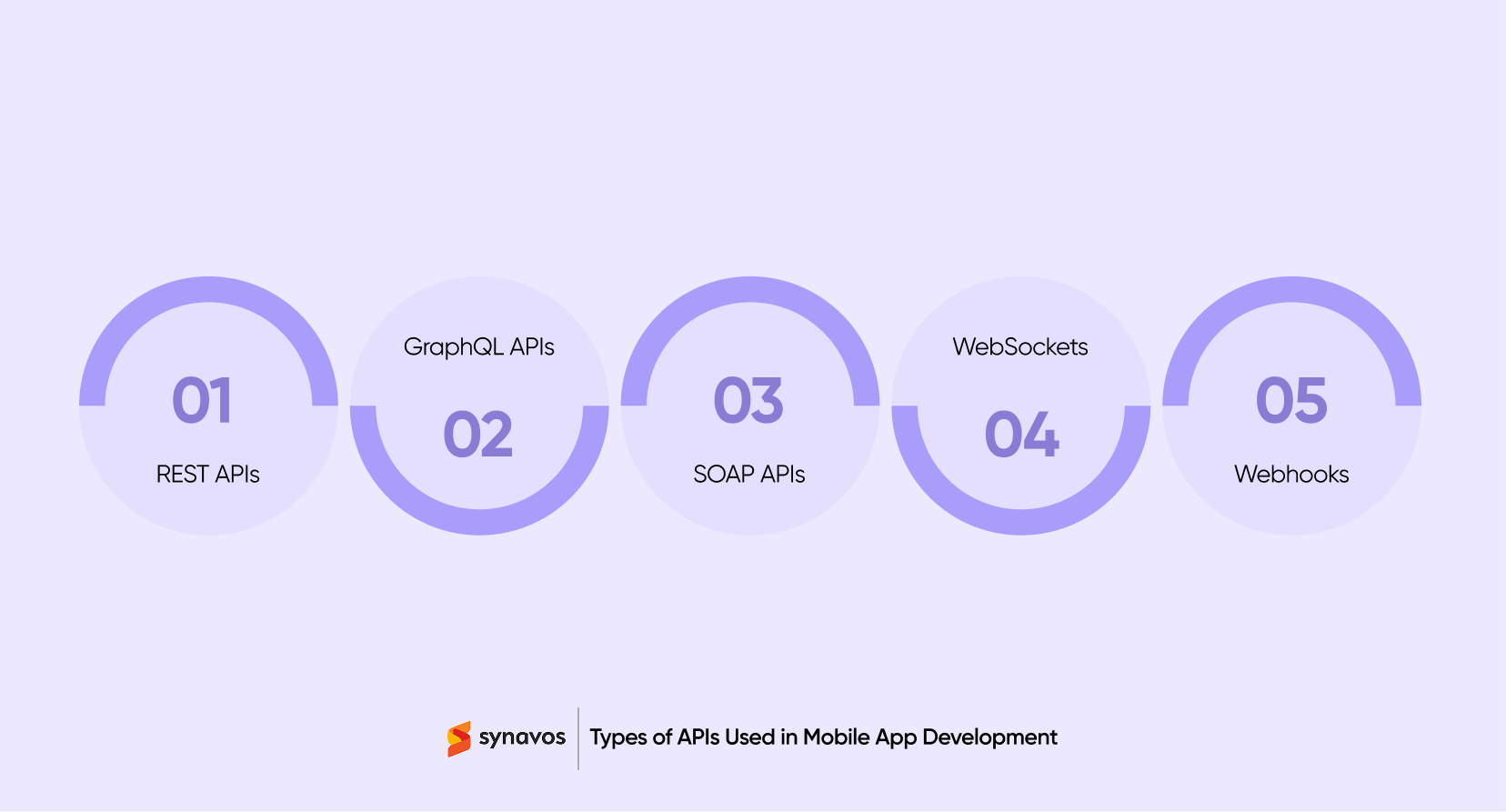
Choosing the right API architecture plays a direct role in your app’s performance, scalability, and security. Below is a breakdown of the most commonly used API types in mobile app development and when to use each one:
-
REST APIs
REST, short for Representational State Transfer, remains the backbone of most mobile app integrations. It works over standard HTTP methods such as GET, POST, PUT, and DELETE, which makes it easy for developers to implement and debug. Data is usually exchanged in JSON format, which is lightweight and easy for mobile apps to parse.
One of the biggest advantages of REST is its simplicity. It does not require heavy configuration and fits naturally into modern client server architecture. Because it is widely adopted, you will find strong community support, mature tooling, and compatibility with almost every backend framework. For most mobile apps, REST is the practical starting point.
-
GraphQL APIs
GraphQL was introduced by Meta to solve limitations found in traditional REST structures. Instead of receiving a fixed response from the server, the client can request exactly the fields it needs. Nothing more, nothing less.
This approach reduces unnecessary data transfer, which is especially valuable in mobile environments where bandwidth and performance matter. In complex apps with multiple interconnected data models, GraphQL can reduce the number of API calls required to render a single screen. It does require more careful schema design, but when built correctly, it offers strong flexibility and efficiency.
-
SOAP APIs
SOAP, or Simple Object Access Protocol, is a more structured and formal messaging protocol. It relies heavily on XML and follows strict standards for message formatting and security. While it may feel heavy compared to REST or GraphQL, SOAP is still common in large enterprise systems.
Industries such as banking, insurance, and government often use SOAP because of its built-in compliance features, strong security standards, and formal contracts defined through WSDL files. If your mobile app needs to integrate with legacy enterprise systems, SOAP may still be part of the architecture.
-
WebSockets
WebSockets enable two way communication between a mobile app and a server over a single, persistent connection. Unlike traditional API integration models where the client sends a request and waits for a response, WebSockets keep the connection open so both sides can send data at any time.
This makes WebSockets ideal for real time features such as live chat, multiplayer gaming, stock price updates, sports score tracking, and collaborative tools. Since the connection stays active, latency is reduced and updates feel instant.
For mobile apps that depend heavily on real time interaction, WebSockets offer a powerful alternative to standard request-response based API integration.
-
Webhooks
Webhooks work differently from traditional request-response APIs. Instead of the mobile app constantly asking the server for updates, the server automatically sends data when a specific event occurs.
For example, when a payment is successfully processed, the payment provider can trigger a webhook to notify your system instantly. This makes webhooks ideal for real time notifications, order status updates, subscription changes, and messaging systems. They reduce unnecessary polling and improve overall efficiency.
How API Integration Works in Mobile Architecture
API integration connects your mobile app to servers and external services, making data exchange smooth and reliable. Here’s how it actually works:
1. User Action Triggers a Request
When a user interacts with the app, such as tapping a button or submitting a form, the app sends a request to the server.
2. Server Processes the Request
The server receives the request, performs the necessary operations, and prepares the data or response needed.
3. Server Sends a Response
Once the processing is complete, the server sends the data back to the app.
4. App Displays the Result
The mobile app receives the response and presents it to the user in a clear and usable way.
Most of this data exchange occurs in JSON format because it is lightweight and easy to work with. XML is still used in some legacy systems, but modern mobile apps largely rely on JSON for speed and simplicity.
Authentication is a key part of this process. The app needs to prove that requests are legitimate, usually through tokens, API keys, or OAuth based systems. These measures protect sensitive data and ensure only authorized users can access certain services.
To make API integration easier, many providers offer SDKs. These prebuilt libraries handle complex logic and let developers connect their apps quickly without reinventing the wheel.
Step by Step Process to Integrate an API into a Mobile App
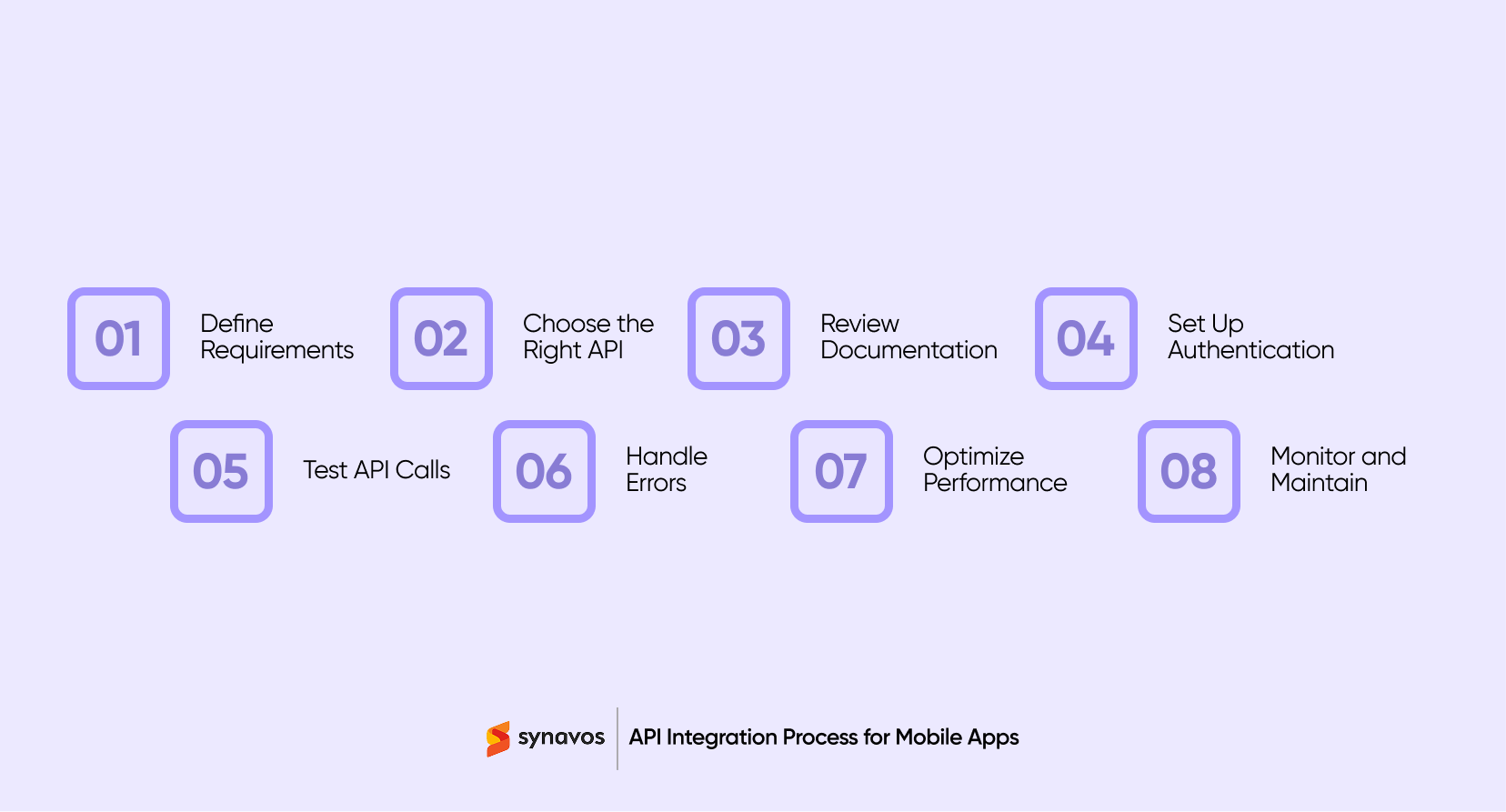
Integrating an API into a mobile app doesn’t have to be complicated. Here’s a practical guide to make the process smooth, secure, and efficient:
1. Define Your Business Requirements
Start by being clear about what your app needs to achieve. What problem are you solving? What data or functionality should the API provide? Knowing this upfront makes every following step easier. For example, if your goal is to add payment functionality, your requirements might include transaction speed, supported currencies, and security measures.
2. Choose the Right API
Not all APIs are built the same. Look for providers that are reliable, secure, well-documented, and scalable. Compare pricing, uptime, and community support. Picking the right API from the start saves time and prevents headaches down the line.
3. Review the Documentation Thoroughly
Good documentation is like a roadmap. Take time to study endpoints, required parameters, authentication steps, rate limits, and how errors are handled. Knowing this beforehand helps avoid surprises during development and ensures your integration works smoothly.
4. Set Up Authentication
Security matters. Most APIs require some form of authentication, such as API keys, OAuth 2.0, or tokens. Make sure your app communicates safely and that credentials are stored securely. This step protects both your data and your users.
5. Write and Test API Calls
Before adding the API to your app, test it using tools like Postman or Insomnia. Send requests, check responses, and confirm the data matches your needs. Once everything works, you can integrate the calls into your app with confidence, keeping your codebase clean and reducing future debugging time.
6. Handle Errors and Edge Cases
Things don’t always go as planned. Networks can lag, servers can fail, or data may be missing. Build your app to handle errors gracefully. Give users helpful feedback and implement retry mechanisms where appropriate.
7. Optimize Performance
Efficient API integration keeps your app fast. Reduce unnecessary calls, cache frequently used data, and use pagination for large datasets. These steps make the app responsive while reducing load on servers.
8. Monitor and Maintain
API integration doesn’t end once the mobile app is live. Keep an eye on performance metrics, track errors, and stay up to date with API version changes. Regular maintenance ensures your app continues to work smoothly and keeps users happy.
Common Use Cases of API Integration in Mobile Apps
APIs are the invisible engines that power the features users expect in modern mobile apps. By connecting your app to external services and data sources, APIs unlock functionality that would be costly and time-consuming to build from scratch. Here are some of the most common use cases in 2026:
Payment Gateways
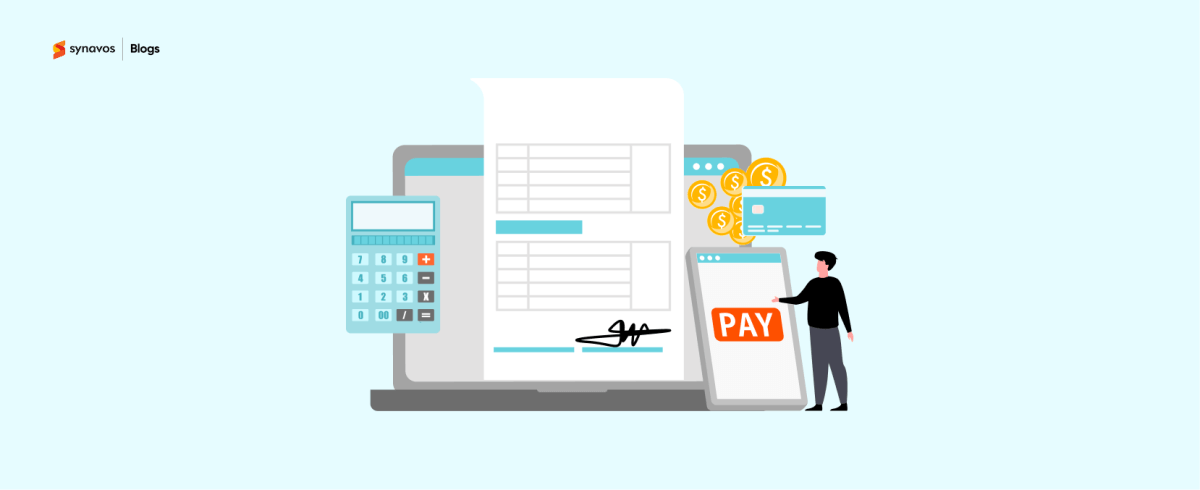
Mobile apps rely on APIs to handle secure payments. Whether it’s in-app purchases, subscription services, or e-commerce transactions, APIs from providers like Stripe, PayPal, or local banks make payments seamless and secure. Users can complete transactions without leaving the app, and developers don’t have to worry about handling sensitive payment information directly.
Social Login and Authentication
APIs make logging in easier and safer. Apps can integrate with Google, Apple, Facebook, or other identity providers, letting users sign in quickly without creating a new account. This simplifies onboarding while keeping authentication secure and reducing friction for users.
Location-Based Services
Maps, navigation, ride-hailing, delivery, and travel apps all rely heavily on location APIs. These integrations provide real-time tracking, geofencing, and route calculations that help users find what they need quickly and efficiently.
Real-Time Messaging and Notifications
APIs allow apps to send push notifications, SMS updates, or in-app messages instantly. Whether it’s a chat app, a sports update, or a delivery status notification, APIs enable real-time communication that keeps users engaged and informed.
AI and Machine Learning Features
Many apps now integrate AI APIs for recommendations, predictions, or personalized content. From smart search and product suggestions to fraud detection and voice assistants, APIs allow developers to leverage sophisticated AI models without building them in-house.
Cloud Storage and Media Management
Mobile apps often store and retrieve files, images, or videos using cloud APIs. Services like AWS, Google Cloud, or specialized media platforms let apps handle large amounts of data efficiently while offloading storage and processing to the cloud.
Analytics and Monitoring
APIs provide insights into user behavior, app performance, and engagement. Integrating analytics APIs allows developers to track events, measure retention, and make data-driven improvements to the app.
Security Best Practices for Mobile API Integration
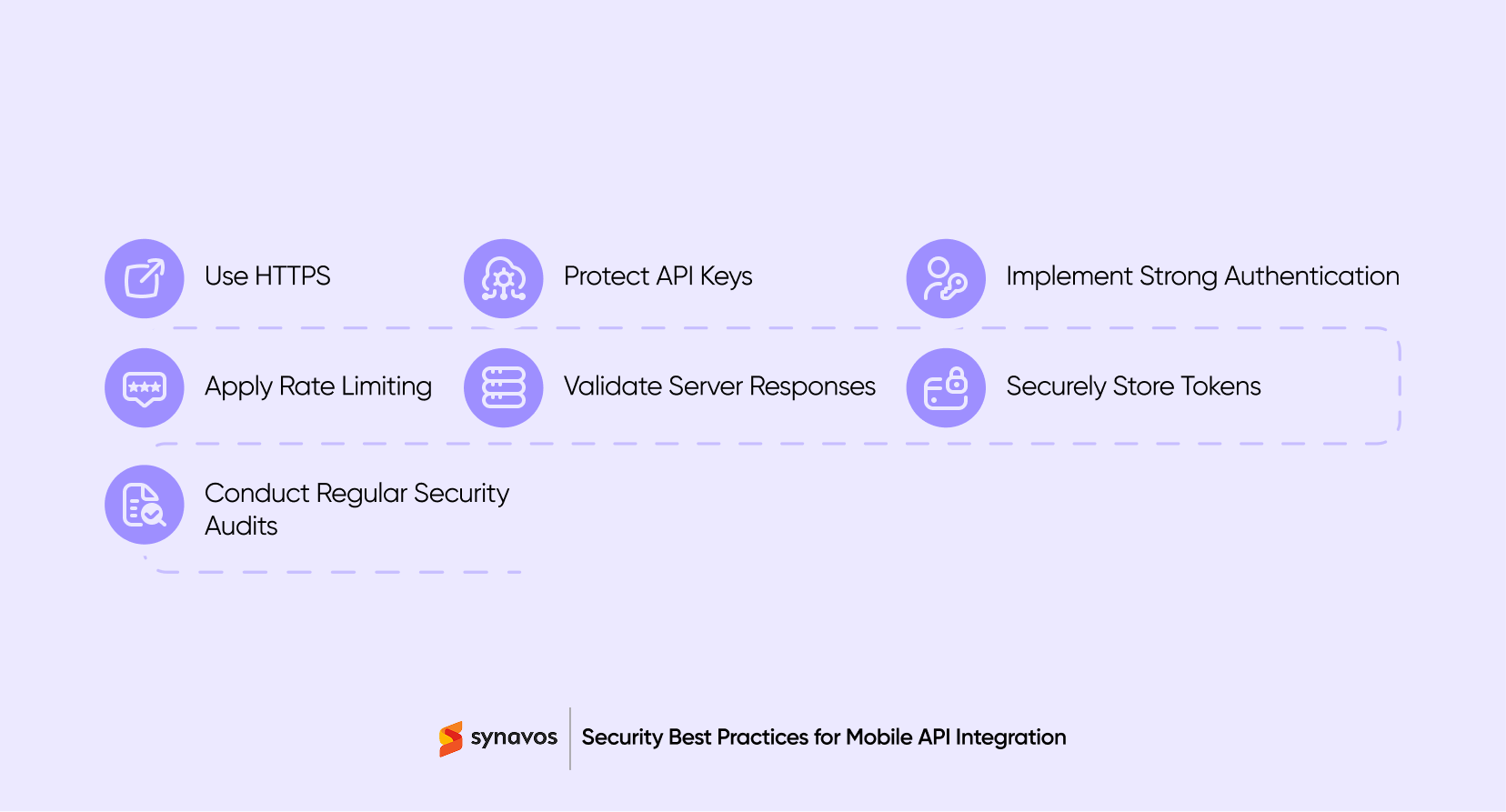
Following these best practices ensures your mobile API integration stays secure, performs reliably, and earns your users’ trust:
-
Use HTTPS for All Data Transfers
Always encrypt data in transit with HTTPS. This prevents attackers from intercepting sensitive information like login credentials or payment details.
-
Keep API Keys Safe
Never hardcode API keys in your app’s client-side code. Store them securely and retrieve them safely at runtime to prevent unauthorized access.
-
Implement Strong Authentication
Use industry-standard authentication methods like OAuth 2.0 or JWT (JSON Web Tokens). These approaches verify users and apps in a secure, scalable way.
-
Apply Rate Limiting
Limit the number of requests a client can make in a given timeframe. This protects your API from abuse, overload, and potential denial-of-service attacks.
-
Validate Server Responses
Always check the data returned by the server. Validation prevents your app from processing malformed, malicious, or unexpected data that could lead to crashes or security issues.
-
Securely Store Tokens and Credentials
Use platform-specific secure storage solutions such as Keychain on iOS or Keystore on Android. This ensures sensitive tokens and credentials are kept safe even if the device is compromised.
-
Conduct Regular Security Audits
Perform security audits, penetration testing, and code reviews on a regular basis. Staying proactive helps catch vulnerabilities before they can be exploited.
Final Thoughts
In 2026, APIs are what make mobile apps feel fast, smart, and connected. When integrated thoughtfully, they keep your app secure, reliable, and easy to use. Choosing the right APIs and following best practices ensures your app delivers a seamless experience that users will love.
Take the Next Step with Synavos
Synavos specializes in building mobile apps with fully integrated APIs, ensuring your app is fast, reliable, and scalable.
With our expertise, your app will deliver the features users expect while staying secure and future-ready. Contact Synavos today and turn your mobile vision into a reality.