Modern businesses rarely operate through one application.
Sales teams may use a CRM. Retail stores may use a separate POS system. Warehouse employees may depend on barcode software. Finance teams may receive payment data from banks, online stores, and other platforms.
When these systems do not communicate, employees must move information between them manually. This creates duplicate work, delayed reporting, and costly errors.
SAP Business One integration connects your ERP with other business applications. It allows orders, inventory, customer records, payments, invoices, and operational data to move between systems automatically. However, successful integration requires more than connecting two APIs. Businesses must decide what data should move, which system owns it, how often it should be updated, and what should happen when something fails.
This guide explains how SAP Business One integration and automation work, which systems can be connected, what integration methods are available, and how to plan a reliable integration project.
What Is SAP Business One Integration?
SAP Business One integration is the process of connecting SAP Business One with another application so that the systems can exchange data and support a shared business workflow.
For example, an online store can send a new order to SAP Business One. SAP B1 can then reserve the stock, create the sales order, and return the delivery status to the online store. Without integration, an employee may need to complete each of those steps manually.
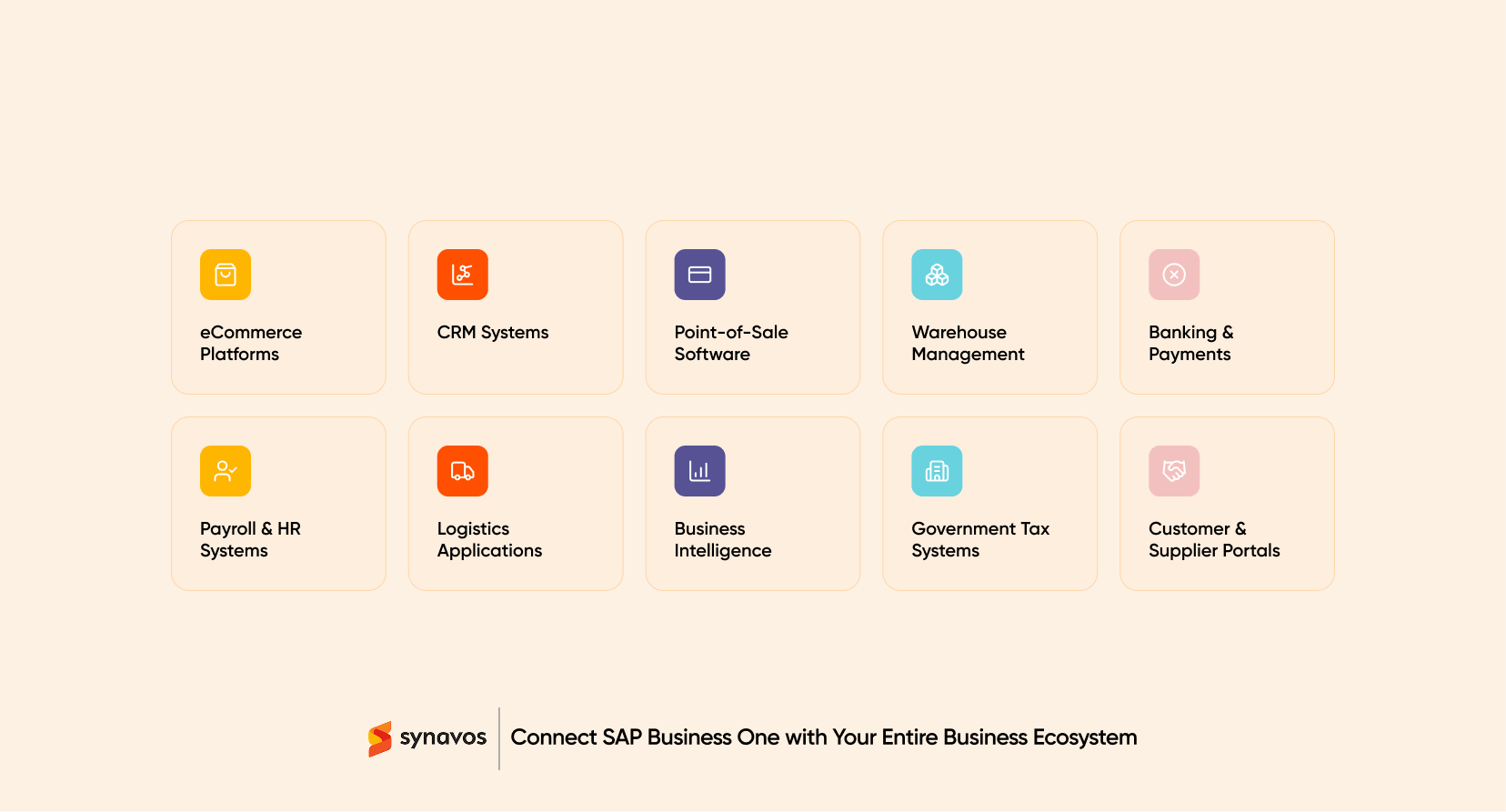
SAP Business One can be connected with systems such as:
- eCommerce platforms
- Customer relationship management systems
- Point-of-sale software
- Warehouse management systems
- Banking and payment platforms
- Payroll and human resource systems
- Logistics applications
- Business intelligence platforms
- Government tax systems
- Customer and supplier portals
Integration, Automation, Customization, and Migration: What Is the Difference?
These terms are often used as though they mean the same thing. They do not. Understanding the difference helps a business define the right project.
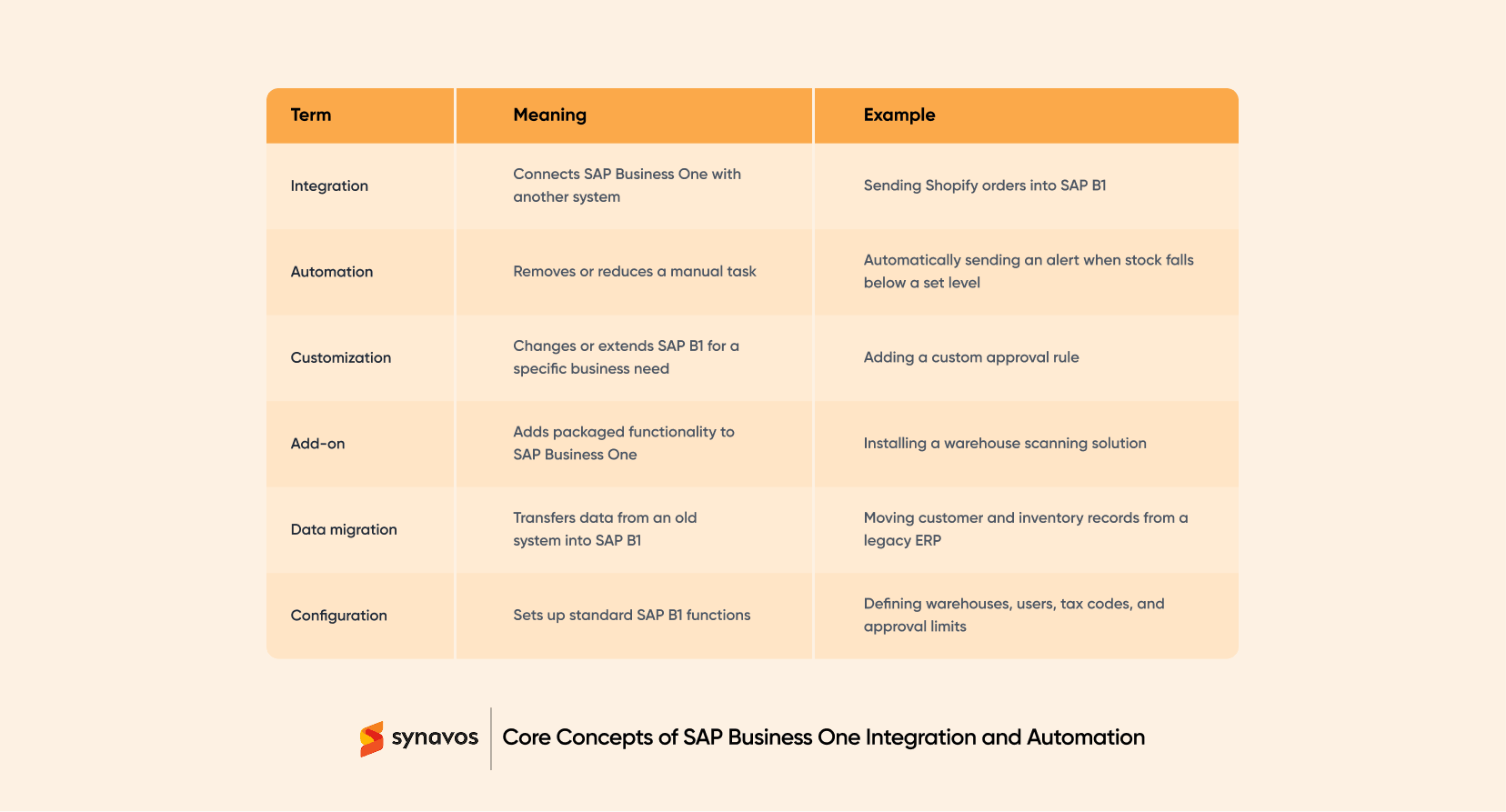
A project may include more than one of these areas.
For example, an eCommerce project may require integration, workflow automation, customized pricing rules, and data migration.
Why Do Businesses Integrate SAP Business One?
Businesses integrate SAP Business One to reduce manual work and create a more reliable flow of information across departments.
Without integration, each system can become a separate source of truth. The online store may show 20 units in stock. SAP Business One may show 12. The warehouse may believe only eight are physically available.
This creates problems such as:
- Overselling
- Delayed order processing
- Duplicate customer records
- Incorrect invoices
- Manual reconciliation
- Poor inventory visibility
- Slow financial reporting
- Repeated data entry
- Missed customer updates
- Inconsistent reports
Signs Your Business Needs SAP Business One Integration
Your business may need SAP Business One integration if employees regularly copy information from one application into another. Other common warning signs include the following.
1. Employees Enter the Same Data More Than Once
A sales order may first be entered into a CRM, then added to SAP Business One, and finally entered into a warehouse application.
Every additional entry takes time and creates another opportunity for error.
2. Inventory Records Do Not Match
Your website, warehouse system, and SAP Business One may show different stock quantities.
This can lead to overselling, cancelled orders, and customer complaints.
3. Reports Take Too Long to Prepare
Finance and management teams may need to collect information from several systems before creating a report.
By the time the report is ready, the information may already be outdated.
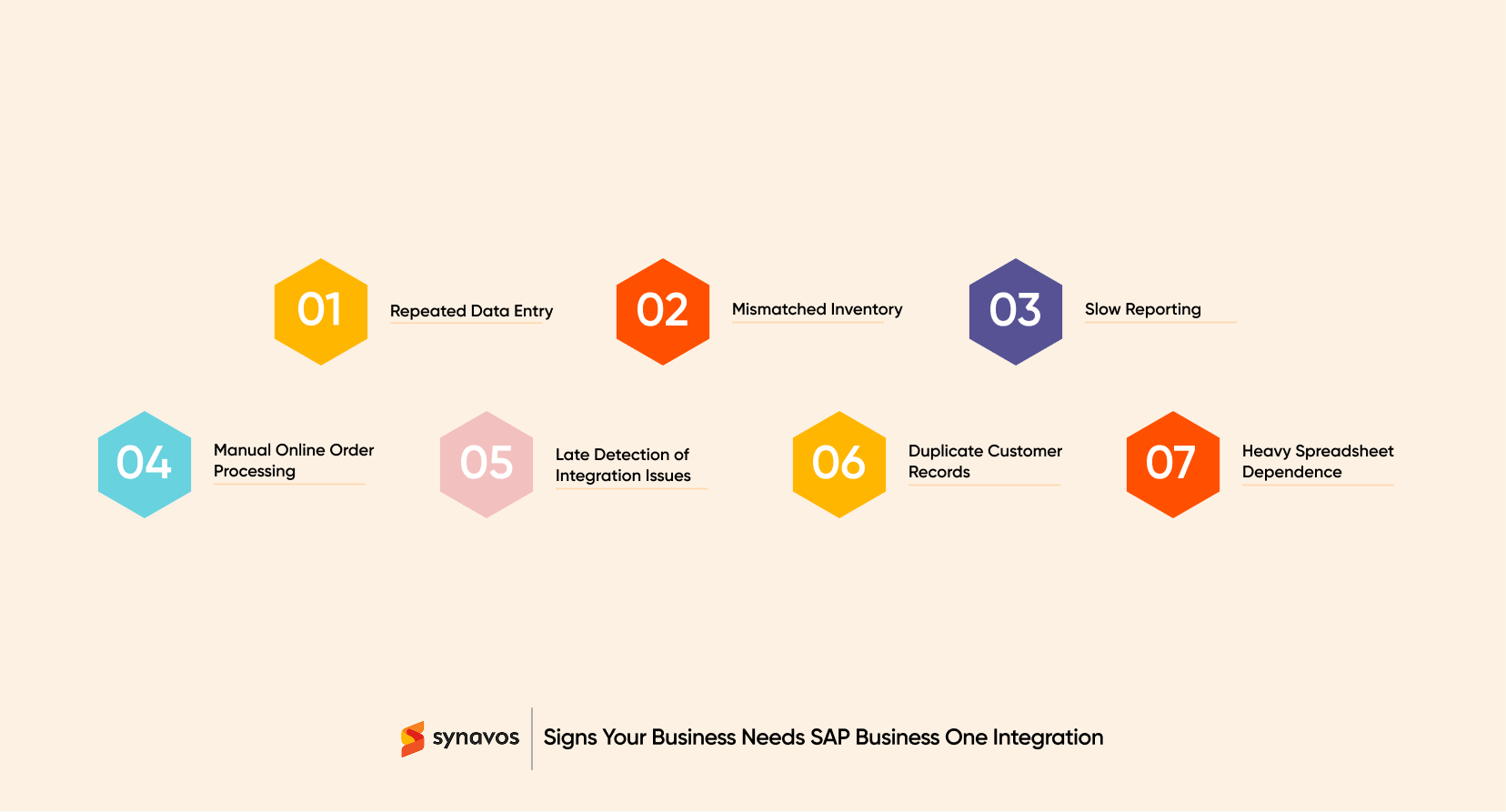
4. Online Orders are Processed Manually
Employees may download orders from an online store and recreate them inside SAP Business One.
This slows fulfilment and becomes difficult to manage as sales volume increases.
5. Integration Failures are Discovered Too Late
Some businesses have existing integrations but no proper monitoring.
A connector may stop working for several hours before anyone notices. Orders then remain unprocessed while customers assume everything is proceeding normally.
6. Customer Records are Duplicated
Different systems may create separate records for the same customer.
This damages reporting and makes it difficult to understand the complete customer relationship.
7. Staff Rely Heavily on Spreadsheets
Spreadsheets often become temporary bridges between disconnected systems.
Temporary solutions, as human history repeatedly demonstrates, have a remarkable ability to become permanent infrastructure.
Which Systems Can Be Integrated with SAP Business One?
SAP Business One can support integrations across sales, finance, warehousing, procurement, customer service, and other business areas
The exact approach depends on the connected application and the required workflow.
1. eCommerce Platforms
SAP Business One can be connected with platforms such as:
- Shopify
- WooCommerce
- Magento or Adobe Commerce
- Custom B2B portals
- Online marketplaces
Common data exchanges include:
- Product information
- Prices
- Inventory quantities
- Customer details
- Sales orders
- Payments
- Delivery status
- Returns
- Refunds
An eCommerce integration can prevent employees from manually recreating online orders in SAP B1. It can also update the website when inventory, prices, or delivery information changes.
2. Customer Relationship Management Systems
Some businesses use SAP Business One for customer and sales management. Others connect it with a specialist CRM such as Salesforce, HubSpot, or Zoho CRM.
A CRM integration can connect sales activity with financial and operational information.
Data may include:
- Leads
- Accounts
- Contacts
- Opportunities
- Quotations
- Sales orders
- Invoices
- Customer balances
- Payment status
- Product information
For example, an approved quotation in the CRM may create a sales order in SAP Business One.
SAP B1 can then send invoice and payment information back to the CRM. The sales team can see whether the customer has paid without asking finance for an update.
3. Point-of-Sale Systems
Retail businesses may connect SAP Business One with POS systems used across stores and branches.
A POS integration can exchange:
- Items
- Prices
- Promotions
- Store inventory
- Sales transactions
- Returns
- Payment methods
- Customer data
- Loyalty information
- End-of-day totals
This gives the central finance and operations teams a clearer view of activity across all locations.
The integration should also account for offline transactions. A retail store may temporarily lose its internet connection but still need to process sales. Those transactions must be synchronized correctly when the connection returns.
4. Warehouse Management and Barcode Systems
Warehouse integrations can connect SAP Business One with mobile scanners, barcode applications, or a dedicated warehouse management system.
Common warehouse processes include:
- Goods receipt
- Put-away
- Bin transfers
- Picking
- Packing
- Dispatch
- Batch scanning
- Serial-number scanning
- Cycle counting
- Returns
- Delivery confirmation
The warehouse system can send completed transactions back to SAP Business One.
This helps reduce the delay between physical activity in the warehouse and the inventory records visible to sales and finance teams.
5. Banking and Payment Systems
SAP Business One can be integrated with banking platforms, payment gateways, and digital payment systems.
Possible use cases include:
- Importing bank statements
- Matching incoming payments
- Updating invoice status
- Processing online payments
- Recording transaction fees
- Supporting payment approvals
- Sending payment instructions
- Reconciling settlements
The required controls depend on the sensitivity of the financial process.
Banking integrations should include clear authorization, access, audit, and reconciliation rules.
Automation should not mean allowing money to wander between systems unsupervised, like an unsupervised toddler near a staircase.
6. Payroll and HR Systems
Some businesses use a separate HR or payroll platform and send summarized financial entries to SAP Business One.
Integration may support:
- Payroll expense posting
- Department or cost-centre allocation
- Employee reimbursement
- Leave-related adjustments
- Staff advances
- Benefit deductions
7. Logistics and Courier Platforms
A logistics integration can connect SAP Business One with delivery companies, fleet systems, and courier platforms.
It may support:
- Shipment creation
- Address transfer
- Delivery labels
- Tracking numbers
- Delivery status
- Proof of delivery
- Shipping cost
- Failed delivery updates
This reduces the need to re-enter shipment information into a separate courier portal.
It can also return tracking information to SAP B1, the online store, or the customer portal.
8. Customer and Supplier Portals
SAP Business One can be connected with web portals that give customers or suppliers controlled access to information.
A customer portal may allow users to:
- Place orders
- Request quotations
- View invoices
- Download statements
- Check delivery status
- Submit support requests
A supplier portal may support:
- Purchase-order confirmation
- Delivery scheduling
- Invoice submission
- Document sharing
- Supplier status updates
9. Tax and E-Invoicing Platforms
Businesses may need to connect SAP Business One with national tax, reporting, or e-invoicing platforms.
The integration may need to:
- Validate invoice information
- Convert data into the required format
- Submit invoices
- Receive approval or rejection responses
- Store reference numbers
- Generate QR codes
- Maintain audit records
- Retry failed submissions
Businesses should review these integrations regularly because technical specifications, onboarding rules, and compliance deadlines can change.
10. Custom Applications
SAP Business One can also be connected with custom-built web, mobile, manufacturing, field-service, or industry applications.
Custom integrations are useful when a packaged connector does not support the required workflow.
However, custom development increases the need for:
- Documentation
- Testing
- Security controls
- Monitoring
- Upgrade planning
- Technical ownership
A custom connector should not become a mysterious piece of code understood by one developer who has since vanished into the professional wilderness.
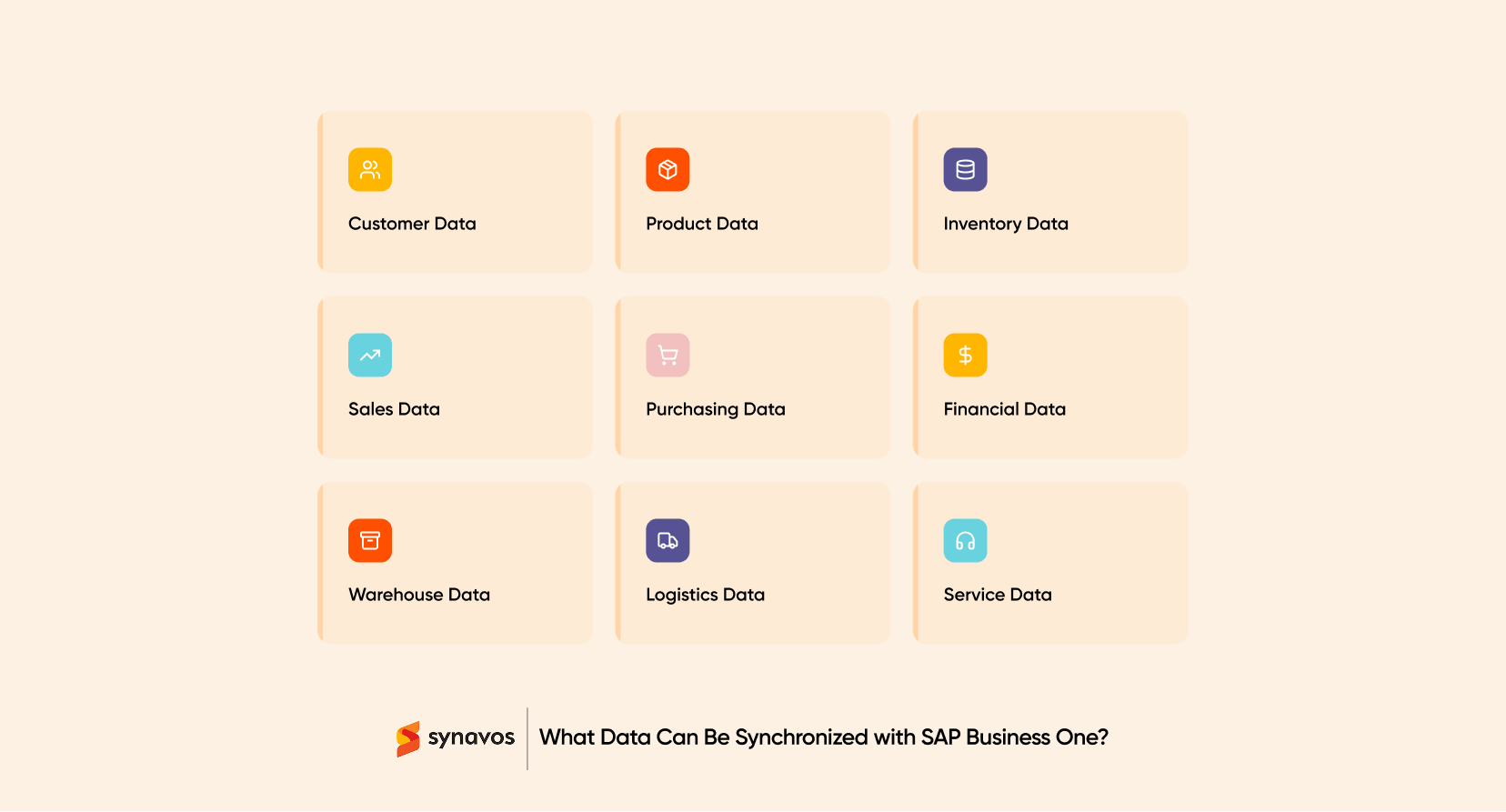
What Data Can Be Synchronized with SAP Business One?
The exact records depend on the business process and the connected system.
Common data groups include:
- Customer Data: Name, address, contact, tax details, credit limit
- Product Data: Item code, description, category, unit, price
- Inventory Data: Available stock, committed stock, warehouse quantity
- Sales Data: Quotation, order, delivery, invoice, return
- Purchasing Data: Vendor, purchase order, goods receipt
- Financial Data: Invoice, payment, balance, journal entry
- Warehouse Data: Bin, batch, serial number, pick status
- Logistics Data: Shipment, carrier, tracking number, delivery status
- Service Data: Ticket, equipment, activity, resolution status
What Business Processes Can Be Automated?
Integration moves data. Automation applies business rules to that data. Common SAP Business One automation examples include:
1. Order-to-Cash Automation
- Import customer orders
- Validate customer and item information
- Check stock
- Create sales orders
- Trigger approval when required
- Create delivery documents
- Generate invoices
- Update payment status
- Return shipment information
2. Procure-to-Pay Automation
- Create purchase requests
- Route approvals
- Generate purchase orders
- Import supplier confirmations
- Record goods receipts
- Match invoices with purchase orders and receipts
- Prepare payment information
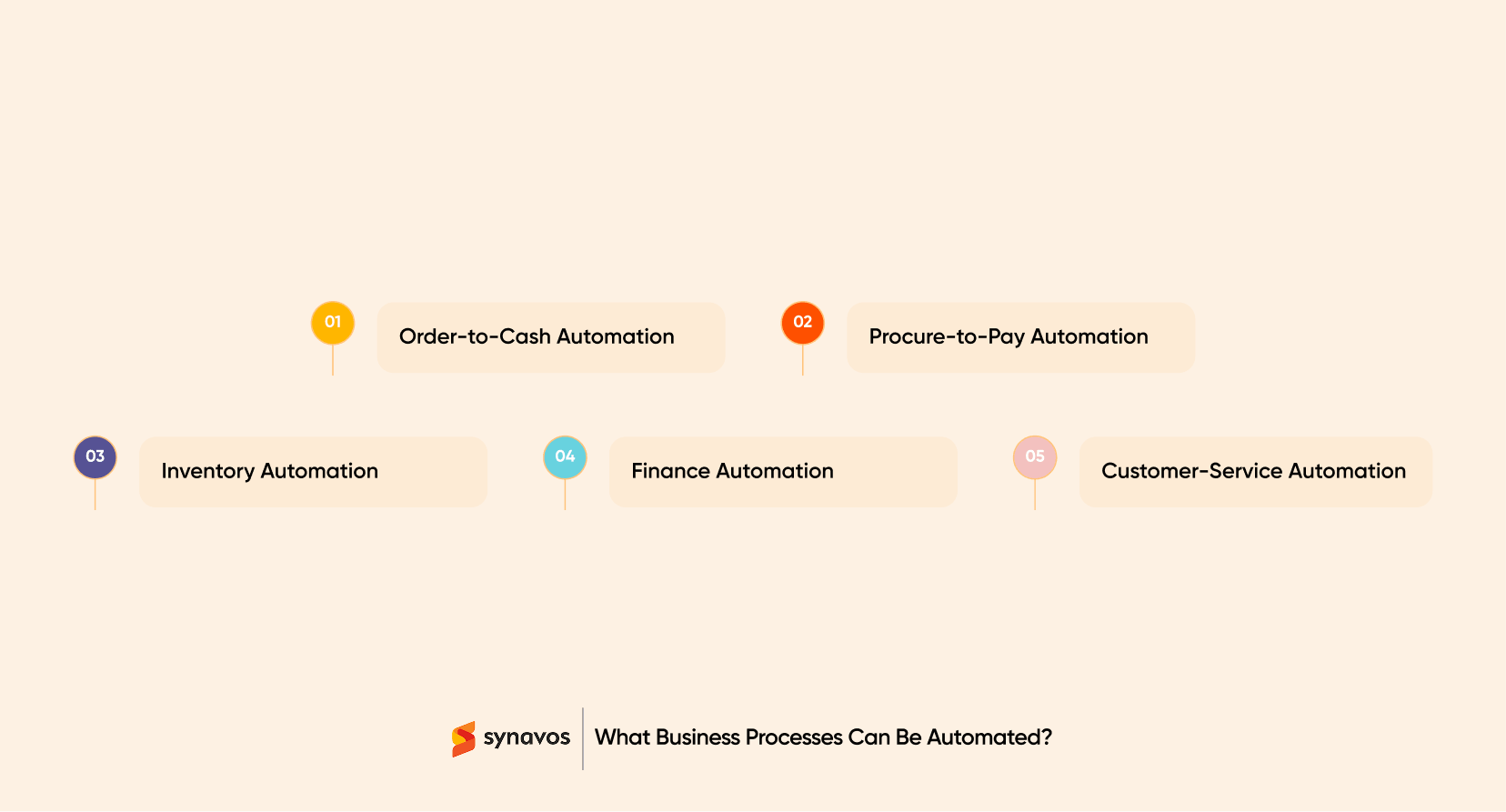
3. Inventory Automation
- Synchronise stock quantities
- Update bin movements
- Record batch and serial information
- Generate replenishment requests
- Notify teams about low stock
- Reconcile warehouse records
4. Finance Automation
- Import bank statements
- Match incoming payments
- Post gateway fees
- Create journal entries
- Update customer balances
- Generate management reports
- Notify users of reconciliation differences
5. Customer-Service Automation
- Create service tickets
- Display invoice and delivery information
- Notify customers about order status
- Escalate overdue cases
- Update equipment or warranty records
How Synavos Can Help?
SAP Business One integration requires a combination of ERP knowledge, API development, process analysis, testing, security, and long-term support.
Synavos provides end-to-end SAP Business One services, including:
- SAP Business One implementation
- System customisation
- ERP integration
- API development
- Data migration
- Business-process automation
- Testing and deployment
- Post-implementation support
Having a successful track record of successful SAP Business One implementations, our experts can help you evaluate existing systems, identify manual bottlenecks, define data ownership, and select an integration method suited to your operational requirements.
Whether you need to connect SAP Business One with an eCommerce platform, CRM, POS system, warehouse application, payment service, logistics provider, or custom application, the goal is to create a reliable business process that your teams can understand, monitor, and support.
Ready to connect SAP Business One with your critical business systems?
Speak with the SAP Business One experts at Synavos to assess your integration requirements and build a secure, scalable, and supportable automation solution.